Available on Figma Community

The colour is already in your file.
Now find out what it means.

Colour Memory reads the fill you selected and shows what the archive can actually prove about it — a named source, an evidence grade, the historical company that colour keeps, and the claims the evidence will not support. It never changes your hex.

Free to start · no credit card · works on any solid fill

01 · The Passport card

Select a fill. Get its evidence, not its vibe.

There is no run button. Select a shape with a solid fill and the panel renders that colour's Passport card: the swatch, the archive record it resolves to, the citation, and an evidence grade. Change your selection and the card follows.

Every card carries a badge before you read anything else, so you know how much weight the record can take. The badge is a fast preview — the full grade letter and its label render on the card itself, never replaced by the badge.

Grade A
Documented
Measured.
Grade B
Documented
Direct documentary.
Grade C
Estimated
Grounded analogue.
Grade D
Estimated
Limited reconstruction.
Grade E
Interpretive
Speculative.

Under the card, an expandable drawer splits the record three ways: What is documented, What is inferred, and What you must not claim. The third one is the part most colour tools do not have. A weak grade is displayed, not filtered out — the plugin will tell you a colour is Interpretive rather than quietly upgrade it.

02 · Hex collisions

One hex, several histories. You pick the story.

A hex is not a colour's identity. Plenty of hexes are shared by records that have nothing to do with each other, and an algorithm ranking them cannot know which one you meant. So the plugin shows you that it is a collision, tells you the rule it ranked by, and lets you choose the record that is actually true for your file.

#DA291C is the honest example. Eight archive records share it exactly:

#DA291C
8 named colours share this exact hex
  • British Rail InterCity Swallow Red (1987)
  • Ferrari
  • Pizza Hut
  • NHS
  • Manchester United
  • Amtrak
  • Pantone 485 C
  • Schwyz Federal
Click any entry to make it the record. The card rebuilds around your choice.

The choice is remembered — and remembered in the file, not on your machine. "In this document, #DA291C means Ferrari" is a fact about that file, so it is stored on the file and travels with it to collaborators. It will not follow you into an unrelated project and assert something false there.

03 · Historical relationships

Pairings that were published, not generated.

Colour tools generate harmonies from arithmetic on the hue wheel. This does not do that. The "Historically paired with" section is drawn from real published colour systems, and it appears only where those sources actually have something to say about your colour:

Those are three different strengths of claim about three different things, so they are fetched independently, evaluated independently, and rendered as visibly different objects, strongest first. A weaker source never fills a gap left by a stronger one. A colour can have all three, one, or none — and none means the section stays silent rather than offering a consolation pairing.

Collisions apply here too. Where a paired partner's hex is itself shared by several records, the card says so and names the ranking rule, instead of presenting one candidate as the answer.
04 · The guarantee

Your hex is never touched.

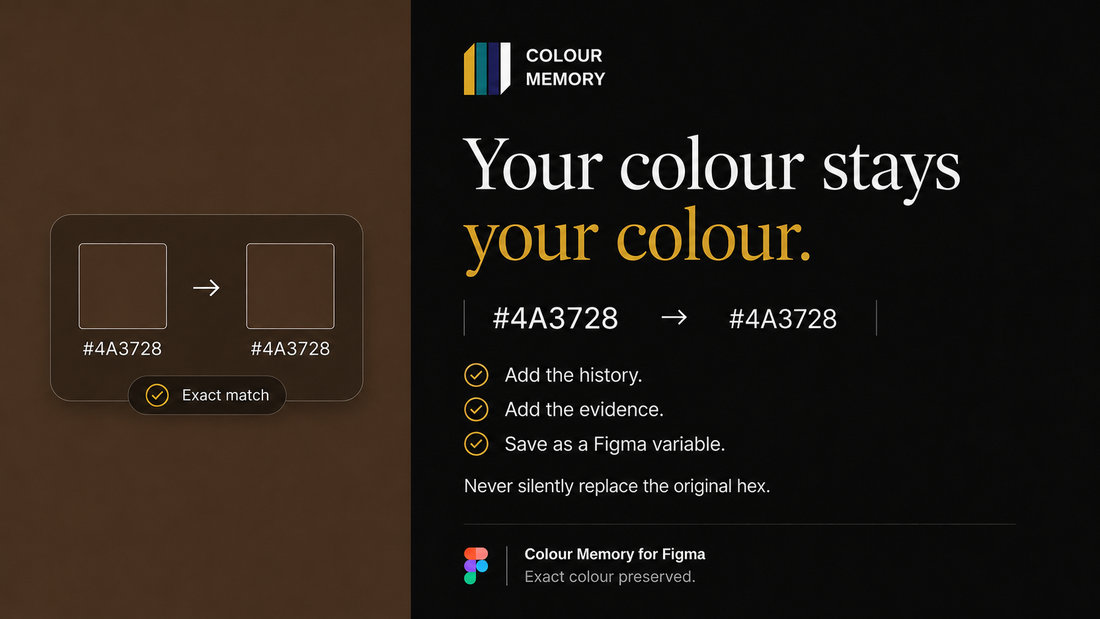
The archive's hex and your hex are two different facts, and the plugin refuses to conflate them. If you selected #DA291C, your shape's fill is still exactly #DA291C after the card renders — the record's own hex, where it differs, appears as a secondary note on the card and nowhere else. Accessibility contrast is computed against your input hex, not the archive's, because that is the colour that will ship.

The same restraint governs everything else it touches. These are the rules the plugin is built to:

When you do want the colour committed, Create & apply variable makes a Colour Memory variable and binds it to the fill — a deliberate action, with the record's evidence stored alongside it. And if the API cannot be reached, the panel says so plainly and tells you your file has not been changed.

05 · The cards

What the plugin actually puts in front of you.

Six records as the plugin presents them. Every claim below is the archive's own: the source, the grade, and where the evidence stops.

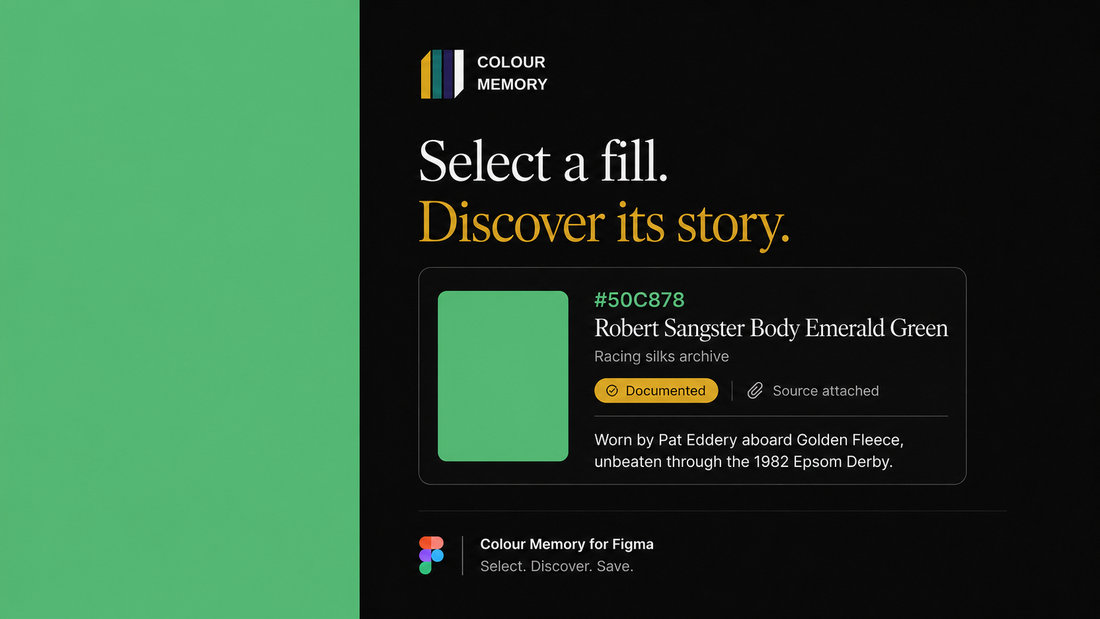
Colour Memory card: Robert Sangster Body Emerald Green, #50C878, racing silks archive
Robert Sangster Body Emerald Green · #50C878
Jockey Club, registered 1970 — grade A
Colour Memory card: Great Plague Door Cross, #F1C40F, pigment historical archive
Great Plague Door Cross · #F1C40F
Pigment archive — shown as Estimated
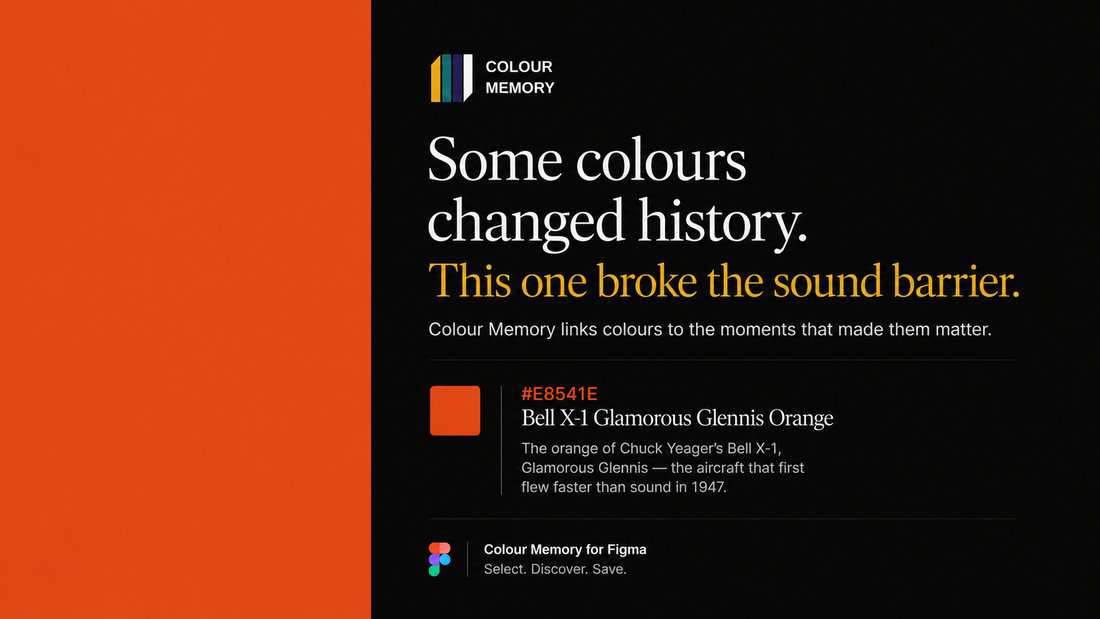
Colour Memory card: Bell X-1 Glamorous Glennis Orange, #E8541E, aviation archive
Bell X-1 Glamorous Glennis Orange · #E8541E
Smithsonian accession A19510007000 — grade A
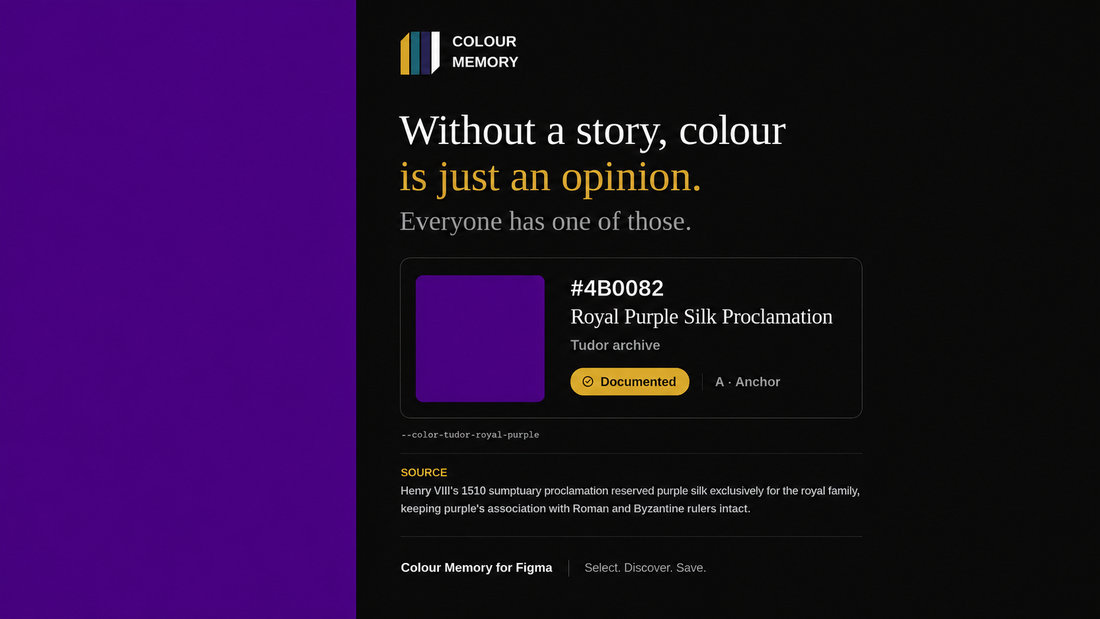
Colour Memory card: Royal Purple Silk Proclamation, #4B0082, Tudor archive
Royal Purple Silk Proclamation · #4B0082
Statutes of the Realm, Henry VIII 1510 — grade A
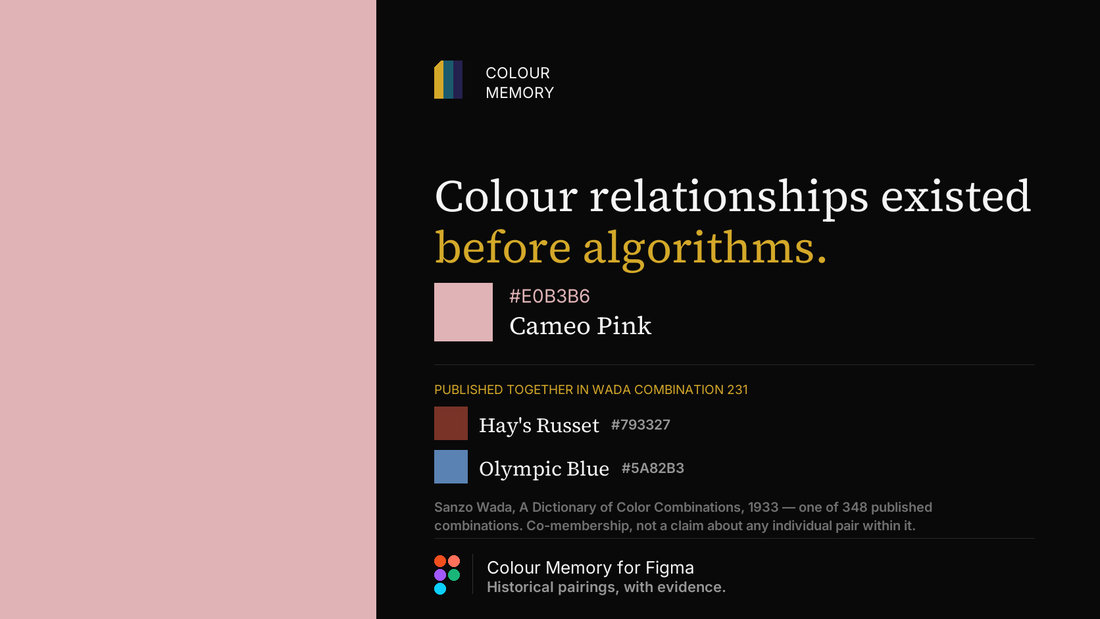
Colour Memory card: Cameo Pink, #E0B3B6, published in Wada combination 231
Cameo Pink · #E0B3B6
Wada 1933, combination 231 with Hay’s Russet and Olympic Blue
Colour Memory card: the hex-preservation guarantee, #4A3728 in and #4A3728 out
Your colour stays your colour · #4A3728
The hex-preservation guarantee
06 · Getting started

Free to start. The archive always is.

Install from Figma Community, open the panel, and paste a Colour Memory API key. Keys are free on the Explorer tier with no credit card — the same key works across the API, the MCP server and this plugin, so if you already have one you are already set up.

If the key is wrong, you get a sentence in plain English and another go, not an error code. The plugin talks to api.colourmemory.com and nowhere else; that restriction is declared in its manifest, which Figma enforces.

Most tools hand you a hex
and let you assume it means something.

This one tells you exactly how much it means — and where the evidence runs out, it says that instead.